
Project Summary
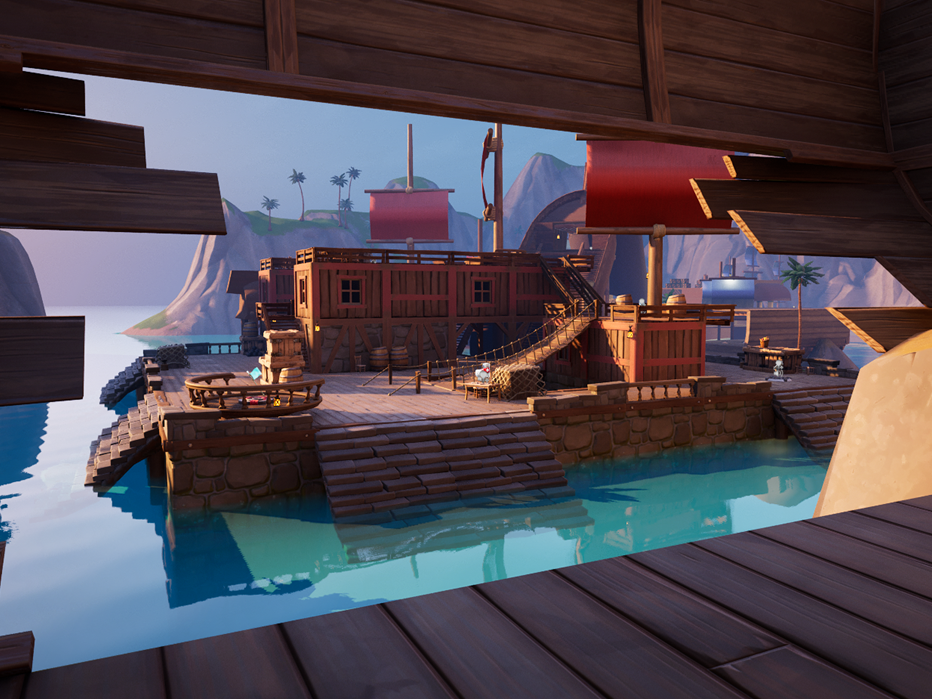
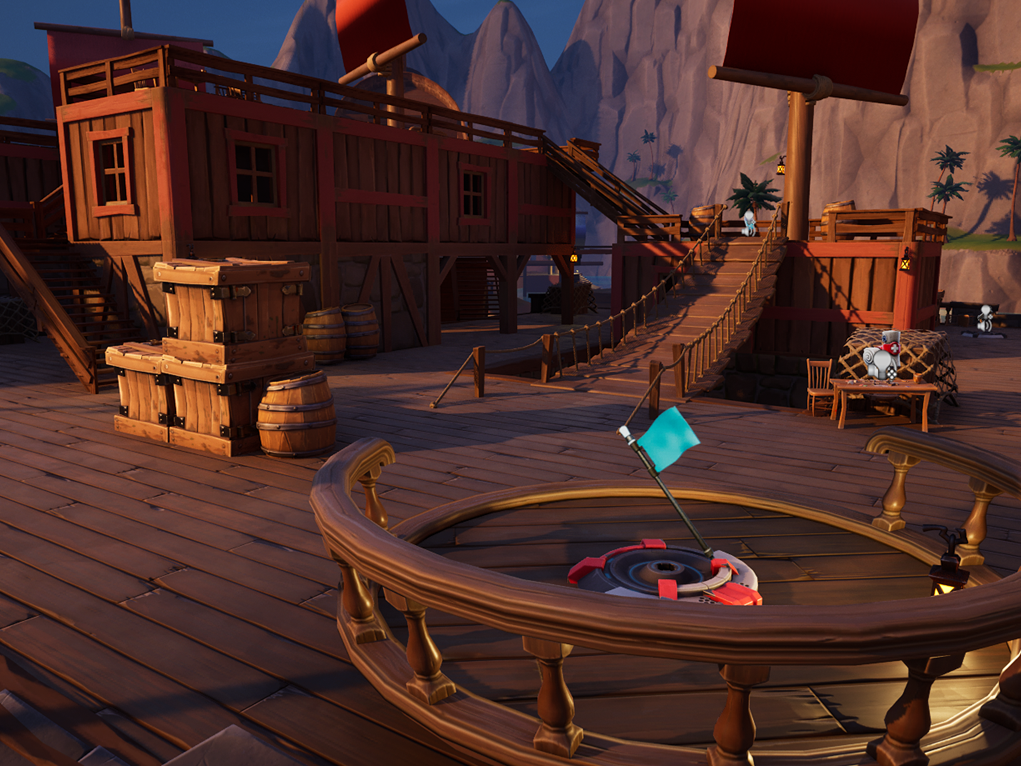
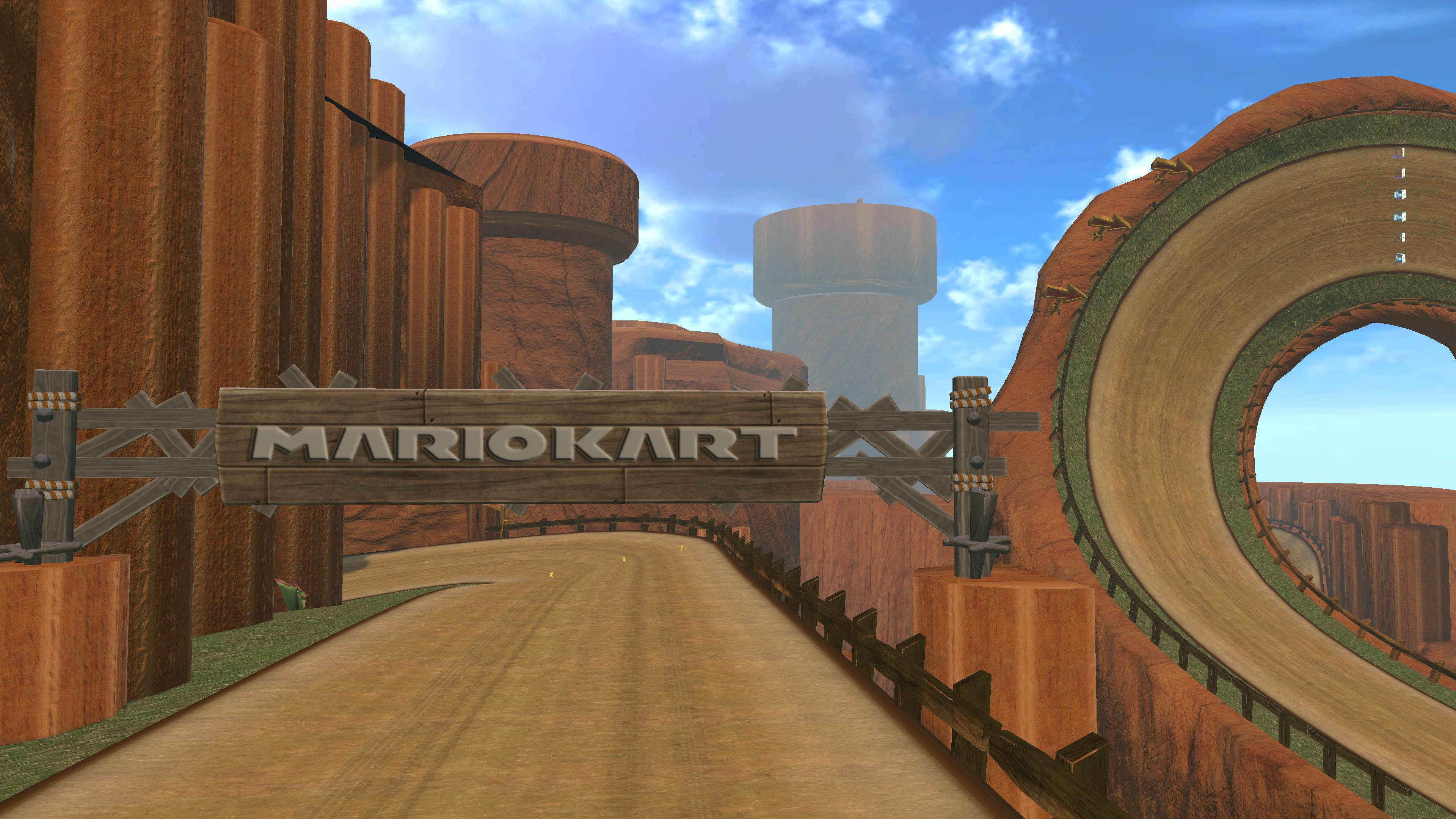
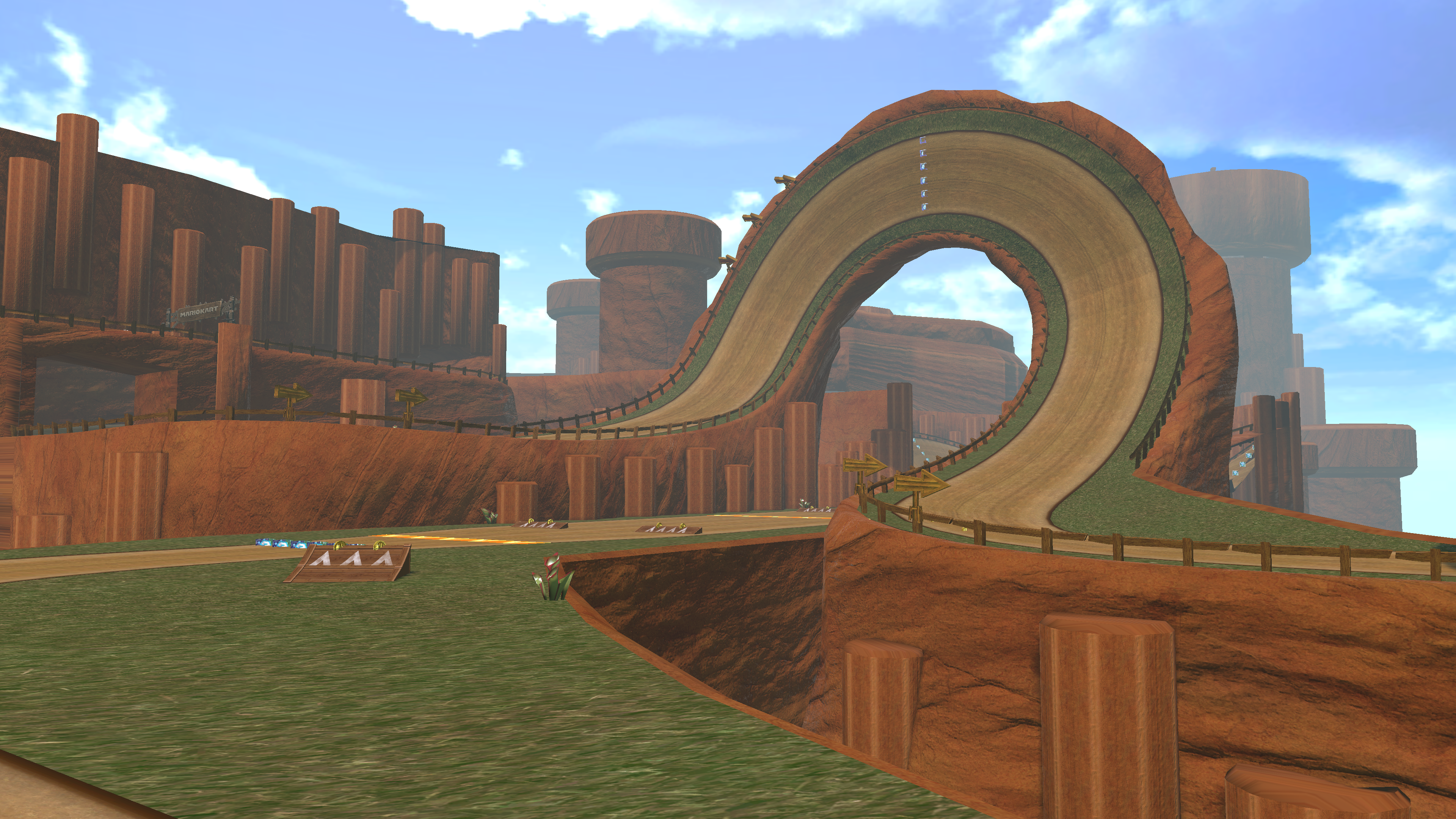
The goal of this project was to create a custom Mario Kart 8 track from scratch that visually and mechanically fit into the base game. Creating a Mario Kart track was a brand new experience for me, and resulted in me utilizing Blender and Mario Kart modding software for the first time. The end result is multiple months of planning and implementing to achieve a fully functional and compelling level.
Level Playthrough
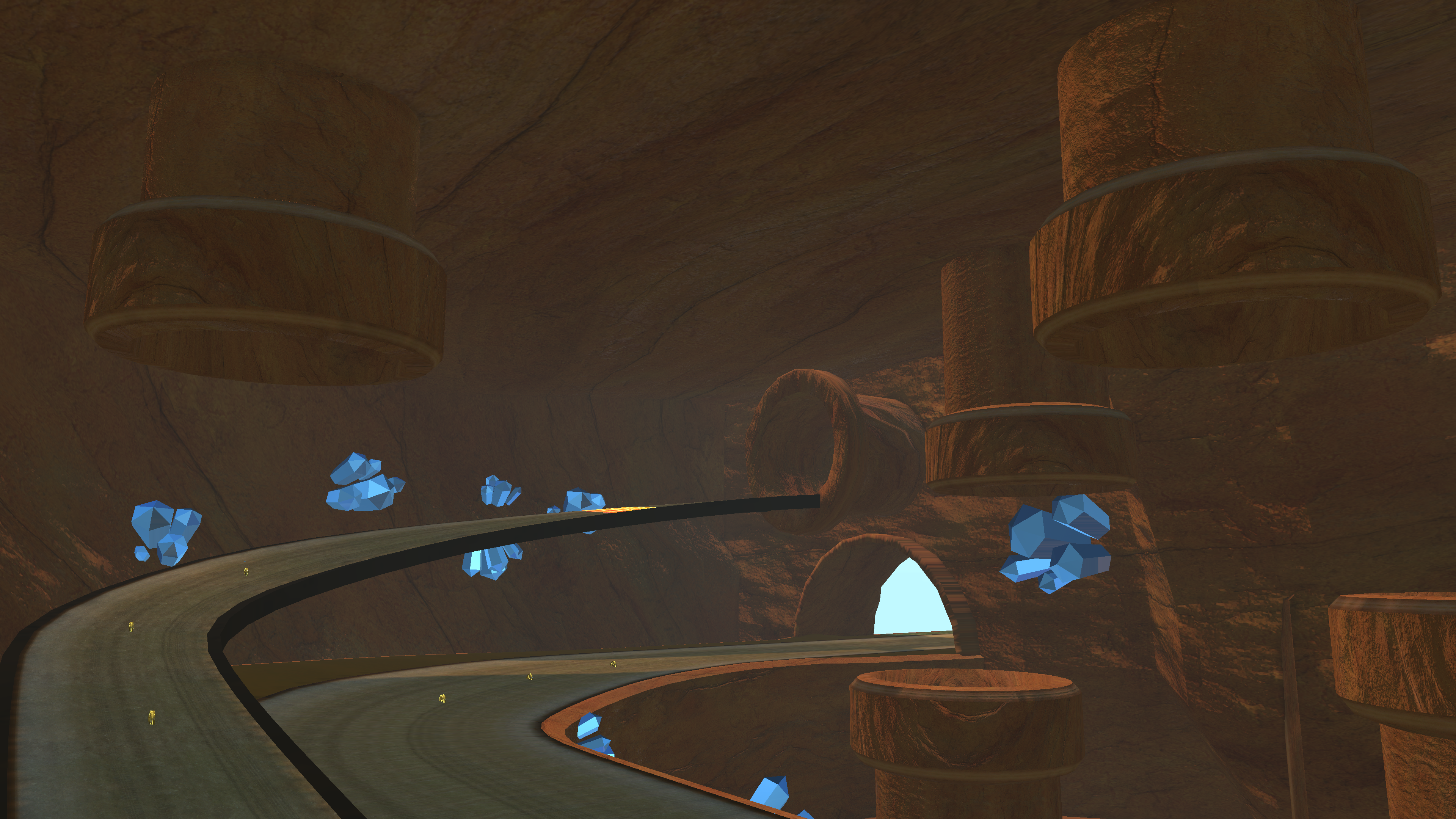
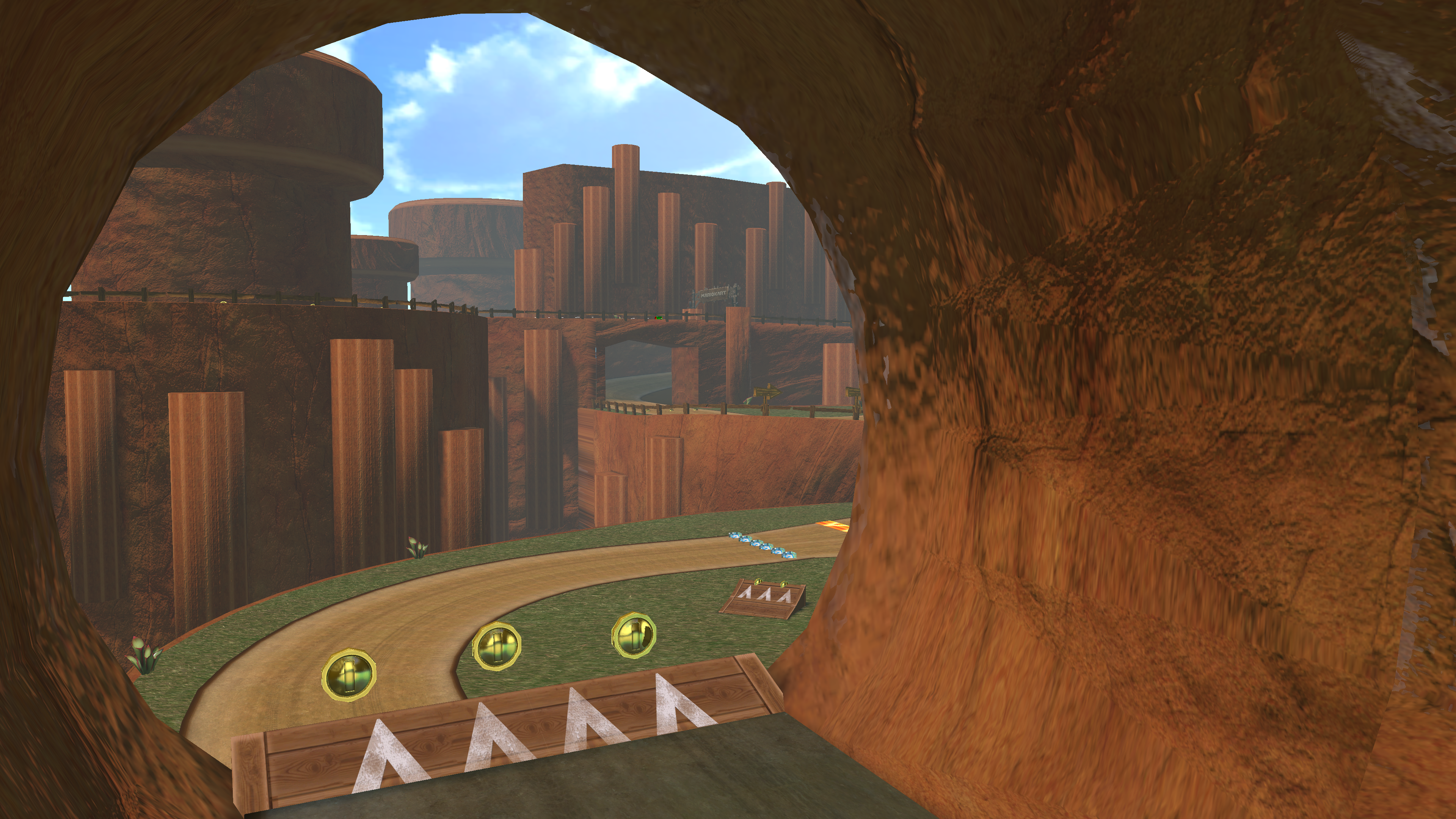
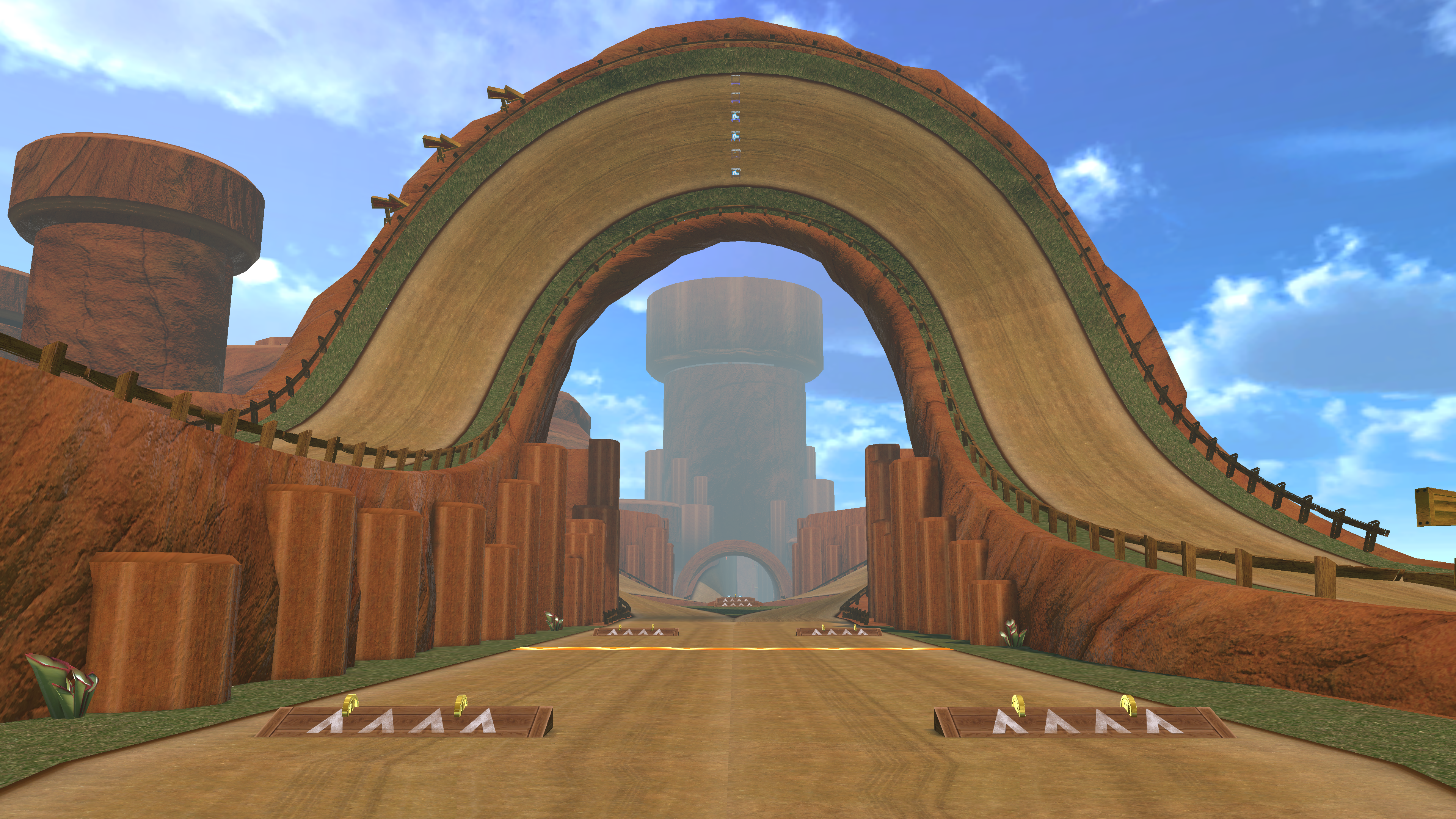
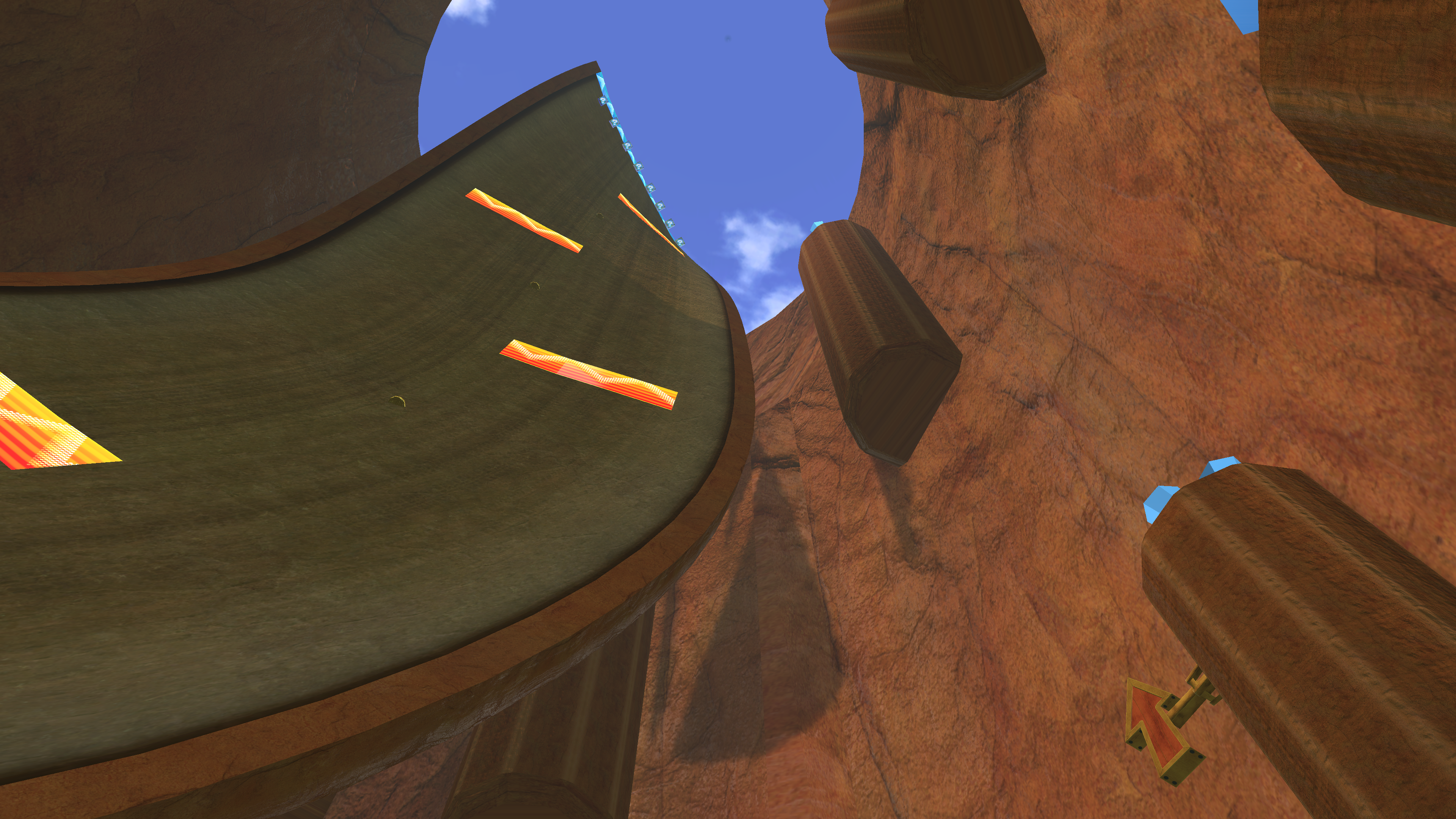
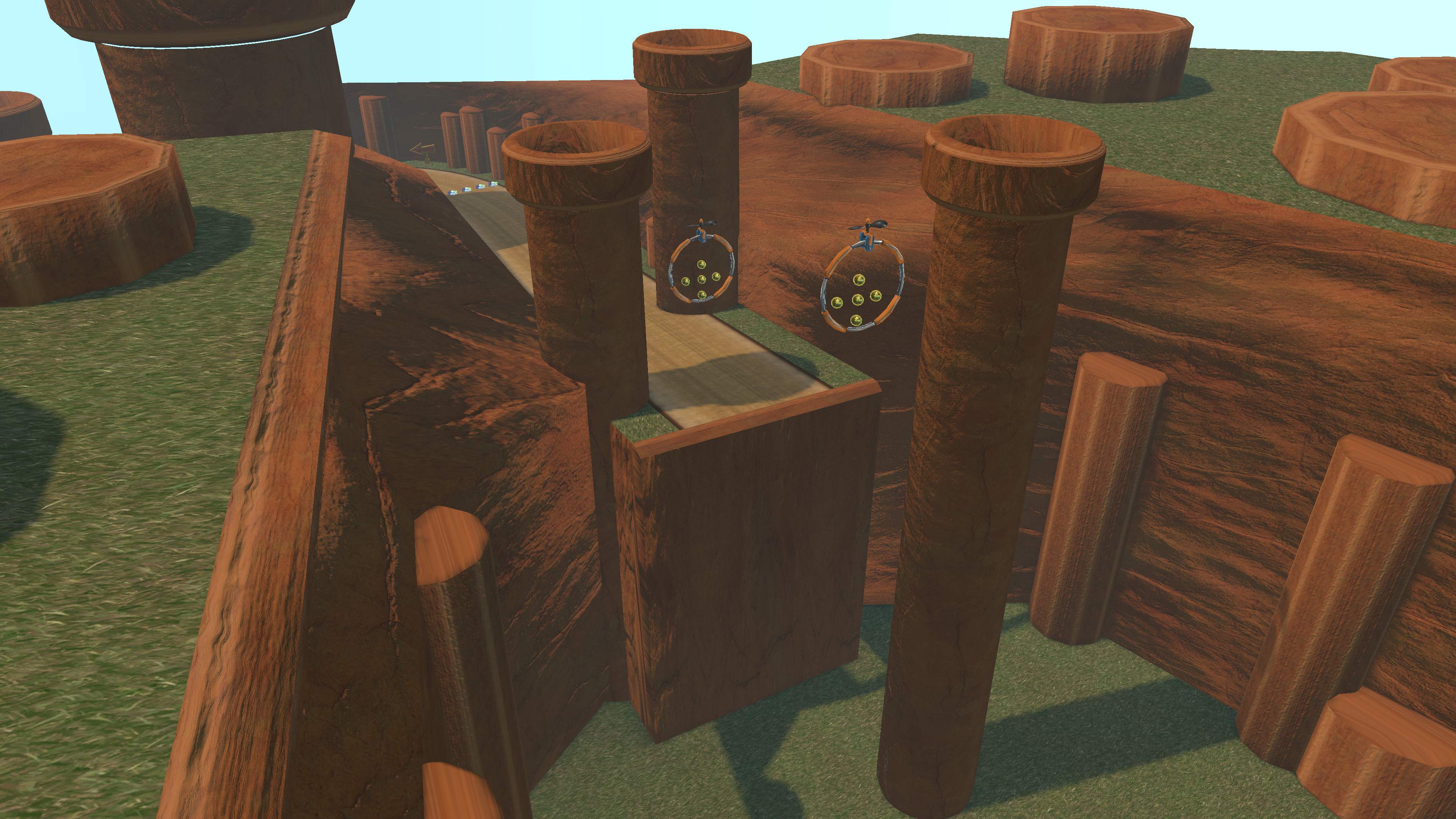
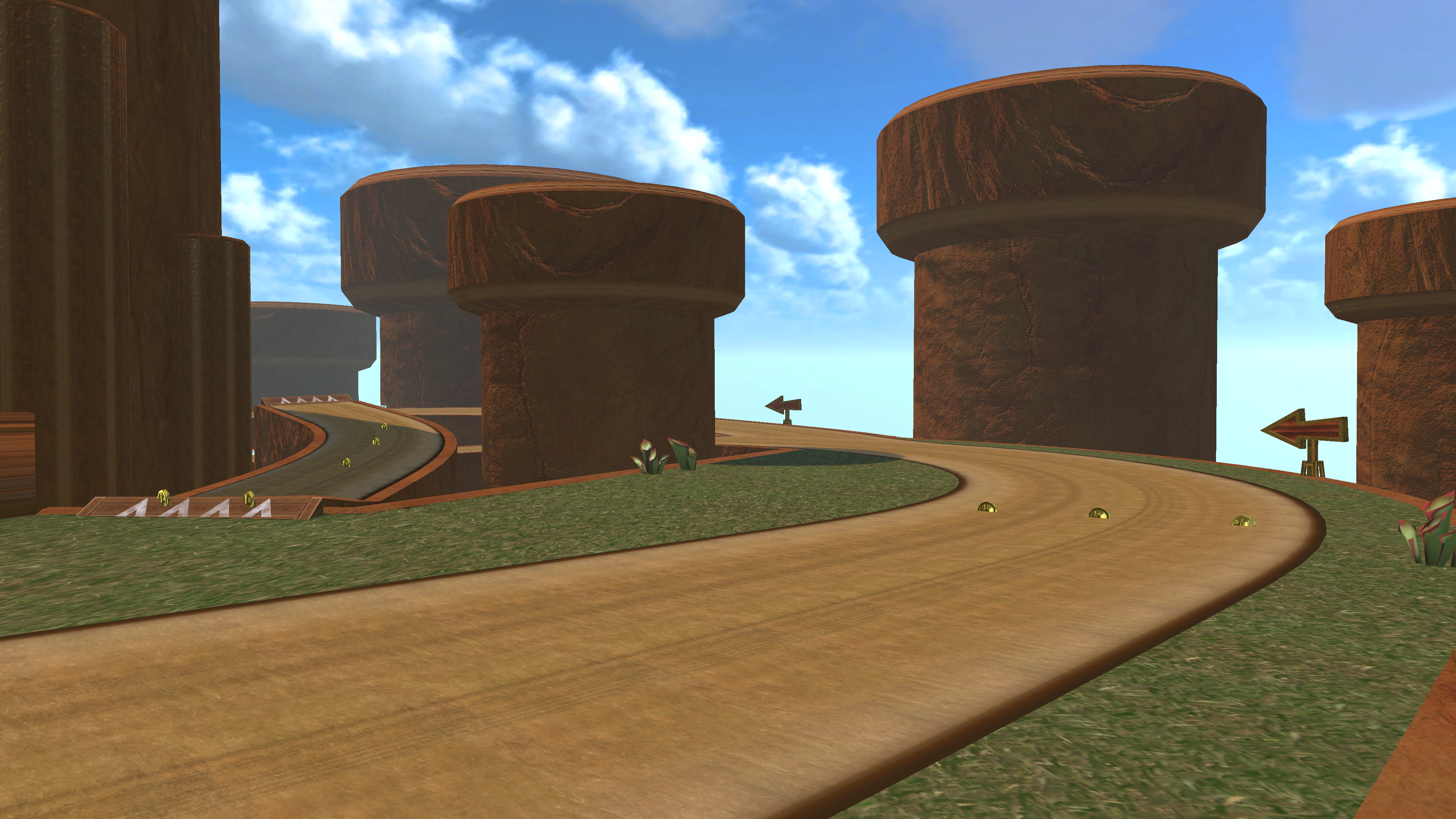
Level Screenshots
Level Design Document
Blender Process
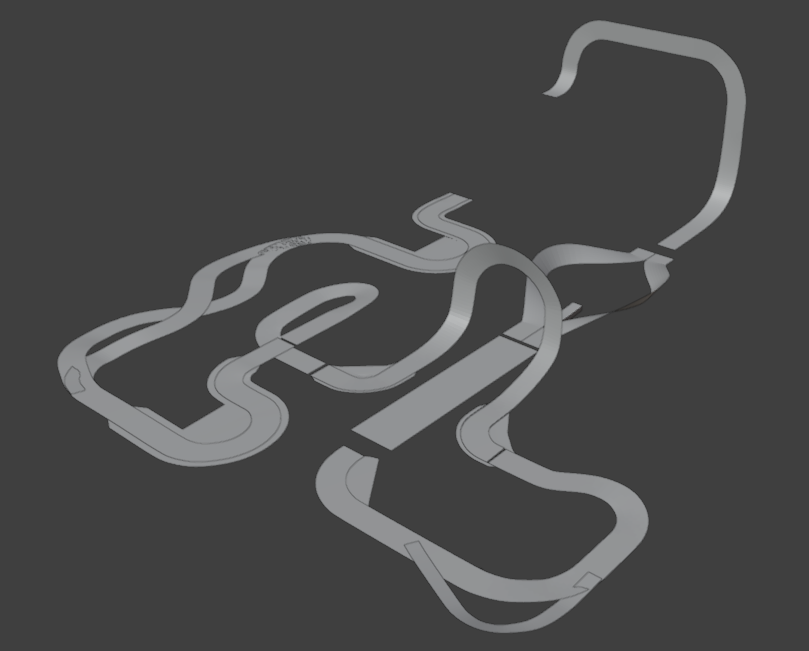
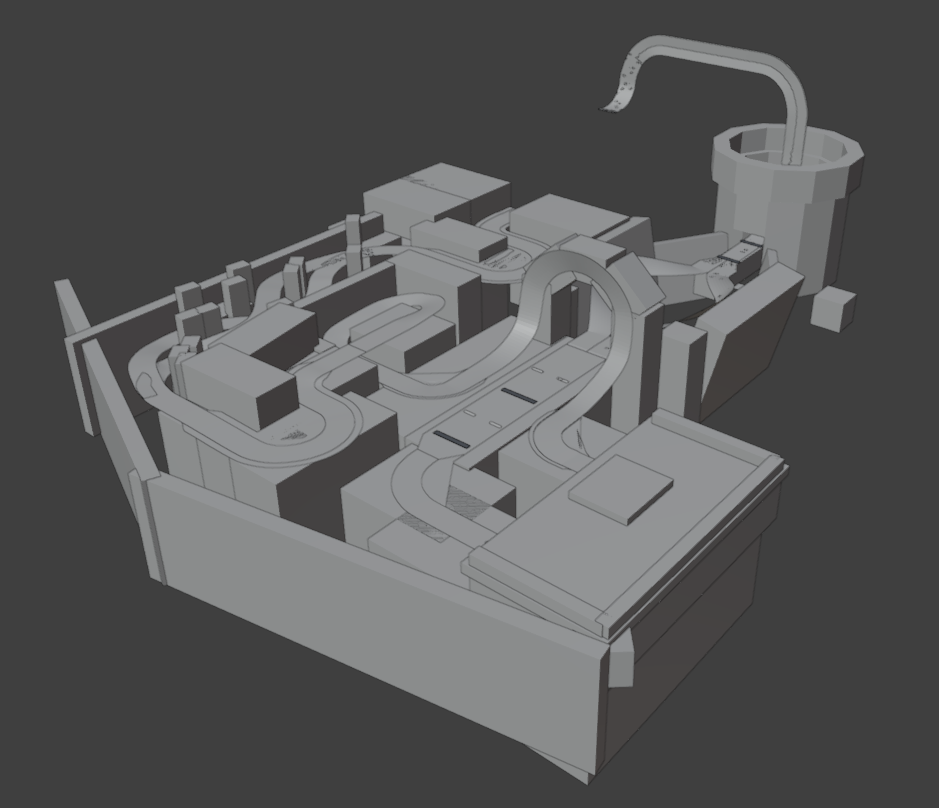
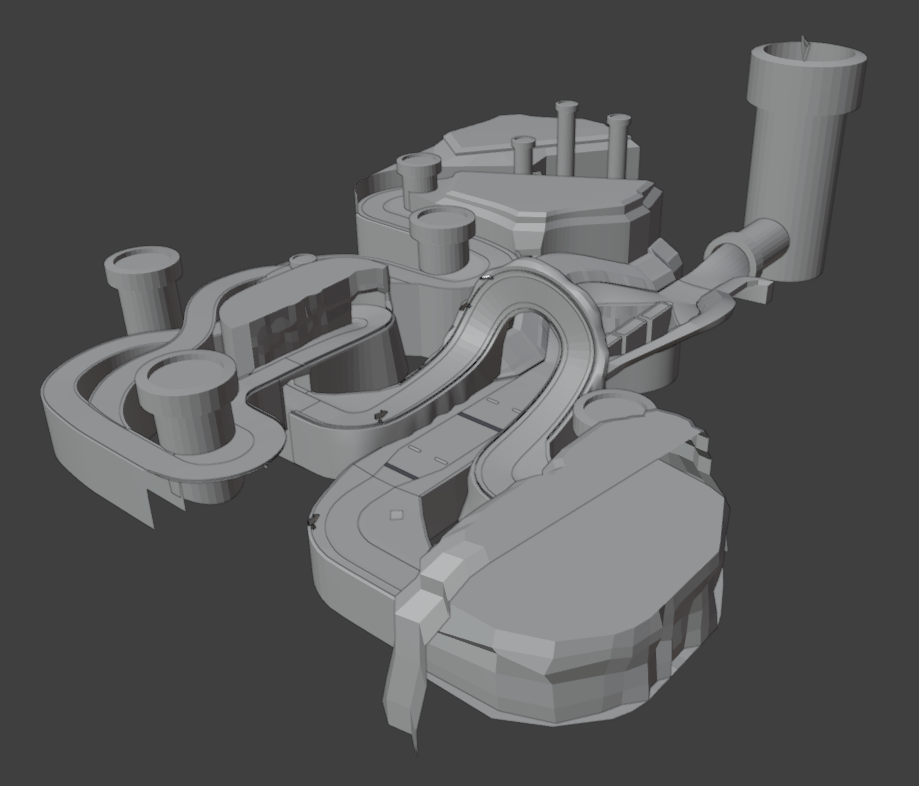
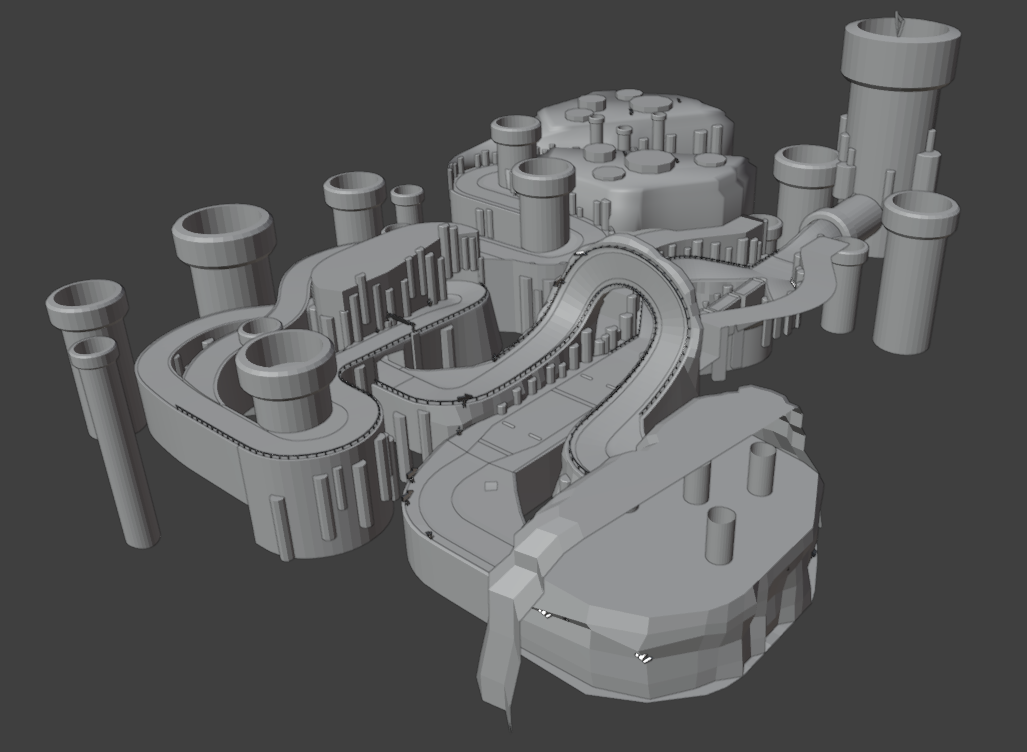
Over the course of this project, I was able to go from having zero experience with blender to modelling entire assets. As shown above, the track originally started as a road based off the map I designed for it. Once I was certain about the design of the track, I began creating a greybox to represent the composition of the level. After playtests I was able to move forward and start defining the shapes and assets found through the level. Finally I modelled the remaining details needed to make the level visually compelling. This was all while ensuring the entire track model was under 100,000 polygons to allow for the game to run it.
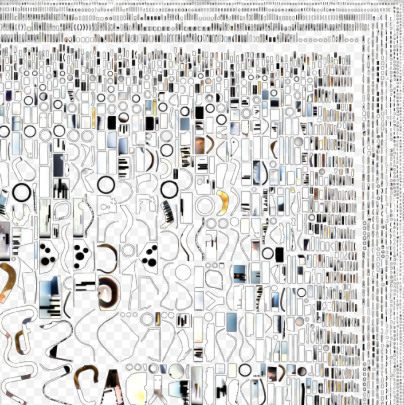
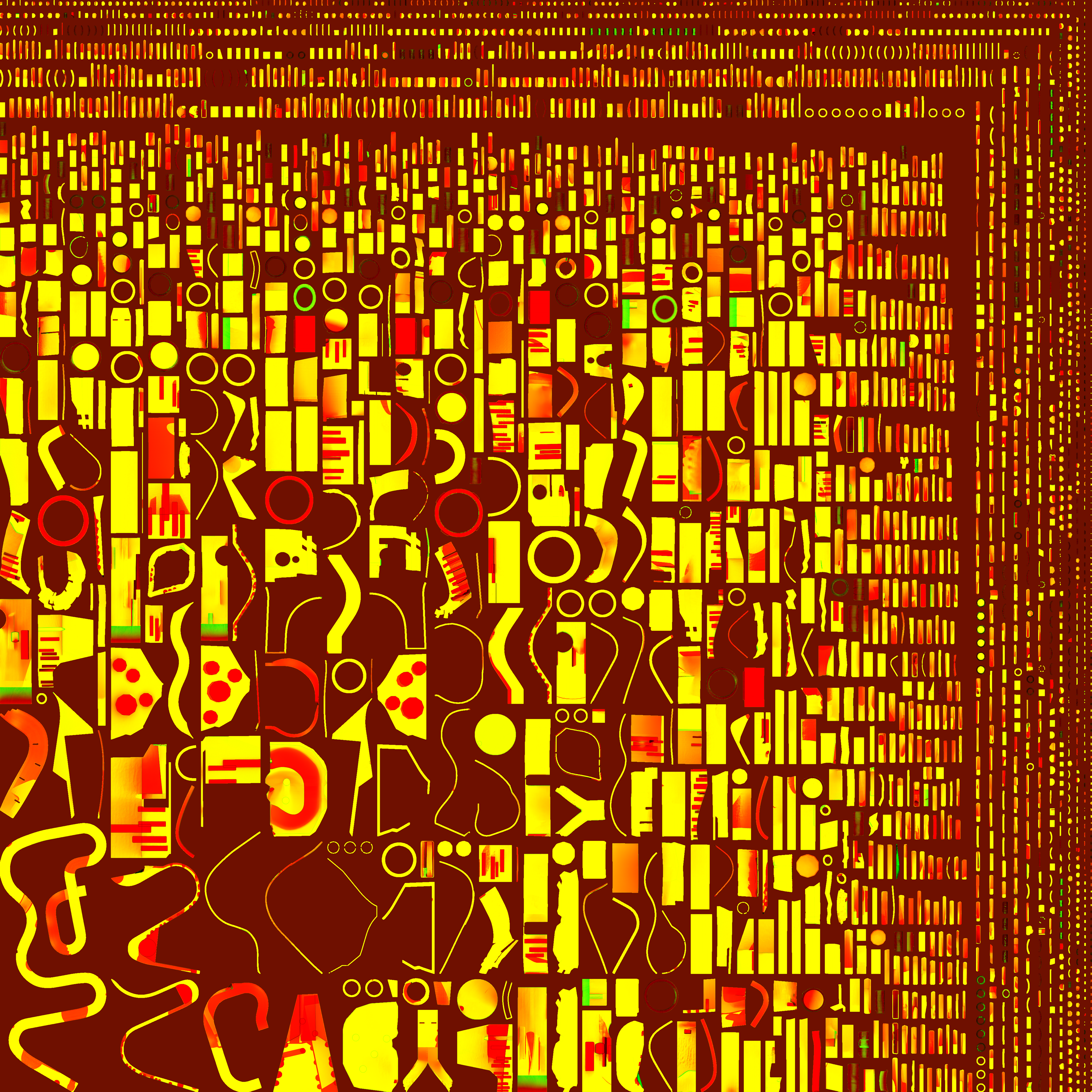
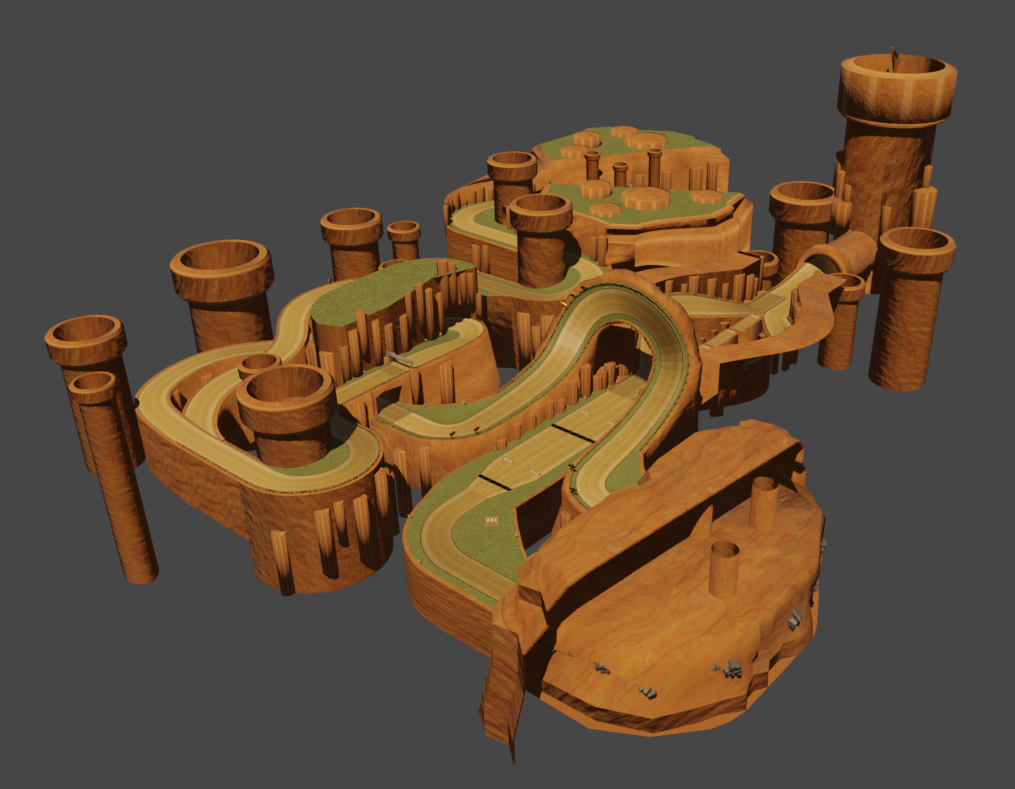
Another technique I needed to learn for this project was how to create light/shadow maps and texture data that would be applied in the modding software. While originally very daunting, I was successfully able to create both maps and implement them. In terms of textures, I utilized a variety of UV unwrapping techniques to ensure scale and position of textures were uniform throughout the level.
Track Studio Process
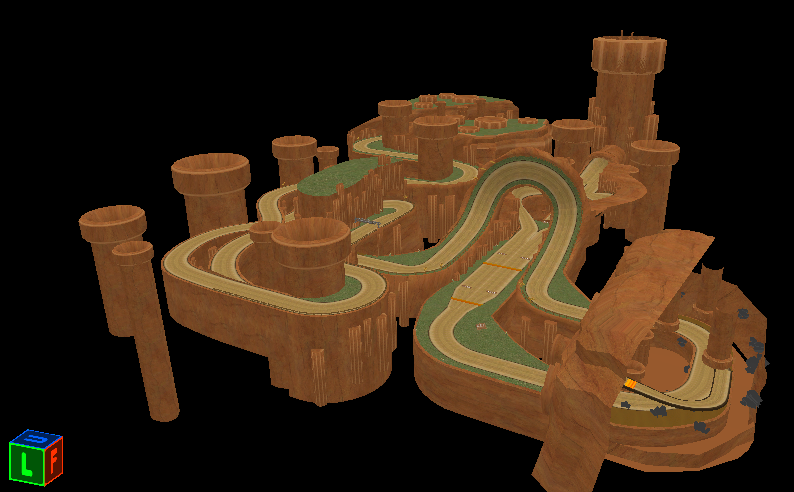
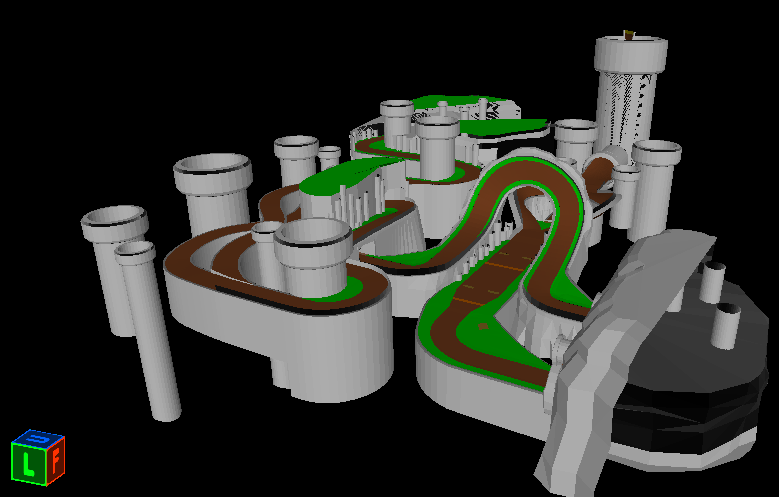
Once I had finished everything I needed from Blender, I was able to start implementing the level in the Track Studio Editor for Mario Kart 8. Fortunately this editor came with well organized documentation, and I was quickly able to pick it up and get it successfully running. Shown above is the visual model and the collision model. While the game renders the visual model, all the mechanics and functionality revolve around the collision model. This is where ensuring seamless geometry and textures is necessary, as any small errors can greatly impact how the game runs.
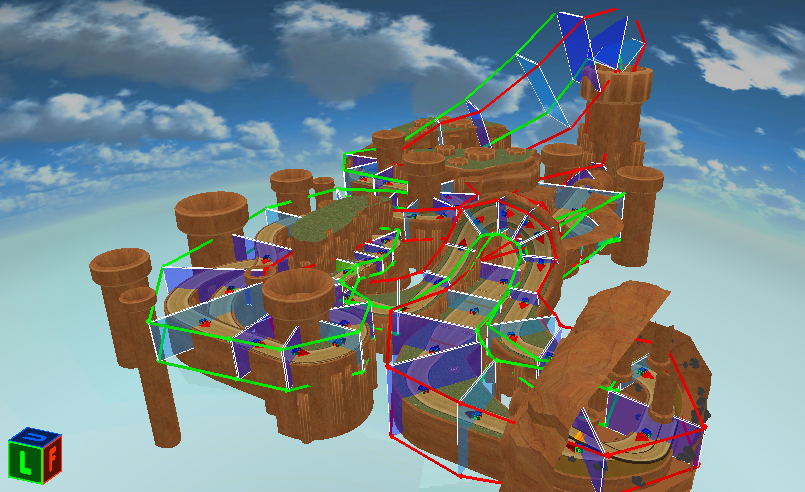
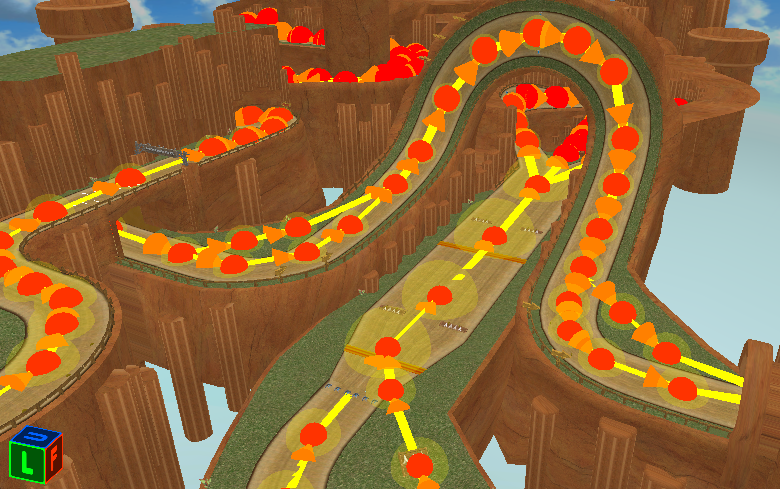
Once both models were set up correctly, I was able to start placing the flags and paths that the different systems within the game listen for. Some of these include the lap paths (shown on the left) that dictate the players position in the race and whether they are remaining on course, and the AI paths that tell the NPC racers which direction to go and which shortcuts are available to them. The game requires all these components to be implemented correctly in order to run the game.